Early beginnings
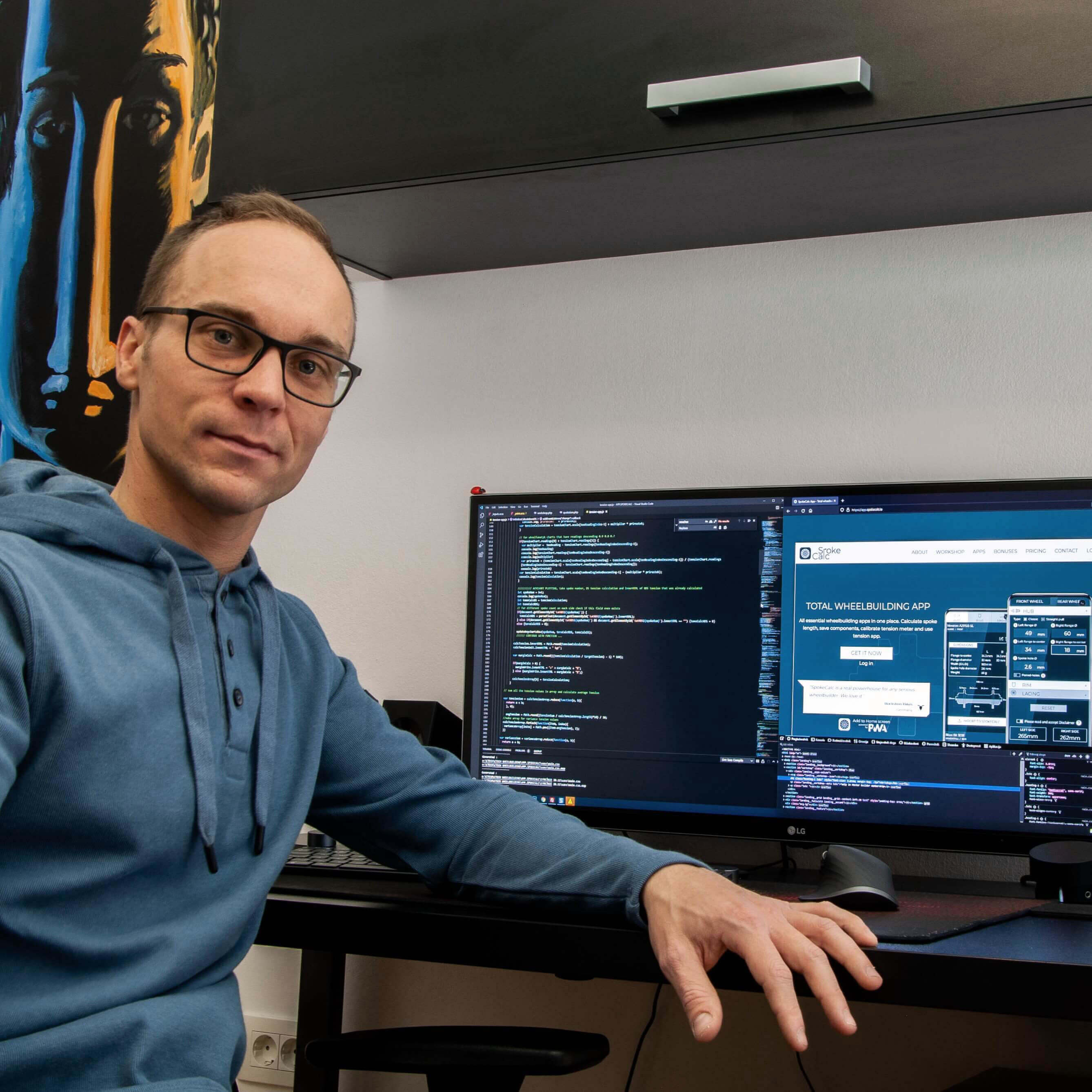
Looking at it now, man, I feel there were almost countless steps from that very first humble beginnings to creating an almost widely adopted wheel-building tool. Being an avid wheel builder, naturally, it was all propelled by my enormous passion for wheel building and cycling mechanics in general. But back in time, I remember looking at the project more along the lines of a web design challenge rather than wanting to make an impact in the industry. All in all, the spoke calculator project turned out to be my learning catalyst for advanced wheel building, vector illustrations as well as web design/coding.
From the outset, my goal was to develop a visually captivating website - a spoke calculator that seamlessly blended the user-friendly interface of DT spoke calculator (allowing for a simultaneous overview of both wheels) with the reliability and educational value synonymous with Roger Musson’s wheelpro.co.uk calculator. Whether you are a seasoned wheel builder or just starting, SpokeCalc was designed to simplify the process of determining the perfect spoke length for your wheel-building projects. And designed as a web app, convenience, and accessibility were important competitive advantages that propelled the spread of its use.
Interesting fact. See the image below of a never-published version of the SpokeCalc. Although I was fond of the appealing visual approach, one of the main challenges to overcome was the poor mobile-friendliness of such a design.

The journey wasn’t easy by any means. Shortly after the launch, an interesting anecdote unfolded. I began receiving feedback about the similarity between the name 'SpokeCalc' and Damon Rinard’s well-known Excel-based spoke calculator, the 'spocalc.xls.' Despite the subtle difference in naming, seasoned wheel builders couldn’t overlook this unfortunate hiccup. Completely unintentional I was left with very limited options, all pointing to change the name of the spoke calculator.
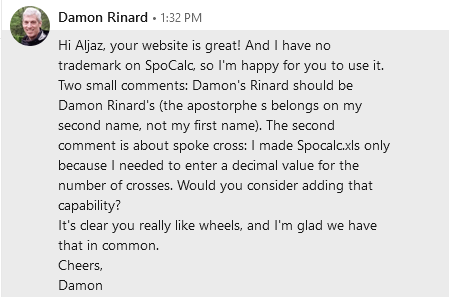
As the remarks persisted, despite publicly acknowledging his contribution to the initial J-bend calculator file, I decided to reach out directly to Damon Rinard. To my surprise and relief, Damon graciously offered his blessing and full support for the venture. And with it, ironically, all comments regarding this matter suddenly stopped. The first milestone, an important recognition, was achieved!
From the initial J-bend spoke calculator, I quickly expanded the baseline calculator’s algorithm onto Straight pull spokes and contributed to the field with somehow exotic paired holes hub and rim design (two-to-one lacing pattern) spoke length calculations. All calculator's inputs also featured detailed graphical tooltips, further educating users what measurements were actually needed in the process.

Establishing a blog site
Although a pretty substantial one, the spoke calculator was only the first stepping stone. Knowing the algorithm behind it while further exploring multiple fields of wheel building and micro-focusing on many, at the time vaguely covered areas of the niche, meant my mission was still far from over.

That served as a preamble to creating an online blog with a dedicated Articles page that would encompass my findings and knowledge about the wheel-building scene. Either popular how-to’s, Do-It-Yourself type articles, or exploring more exotic contents like 2-to-1 lacing, certainly, there were many topics to cover. And at the same time me being tightly connected to the wheel-building community, most of the opportunities to gather new knowledge presented themselves on the go.
Curiosity acted as a key here, and a desire to share my findings with the community in a simplified manner served as fuel to the overall momentum.
By establishing detailed website analytics, I've gained valuable insights into the desires and needs of my main audience as reflected in the growing website traffic. Some of my most-read articles, such as the Definitive guide to spoke tension, How to lace a Wheel, and Measuring a Straight Pull Hub, have provided particularly illuminating feedback on the topics the audience tends to find most compelling.
Thus, striving to provide a valuable source of information, the goal was clear – to empower the audience with knowledge so that they gain confidence using my web tools while navigating through the most common wheel-building challenges.
Industry recognition
Steadily growing website traffic over time confirmed community’s rising interest in my work and was a hidden recognition by itself.
However, in July 2021 the single largest recognition came from one of the notable players in the industry. It was the man himself, Calvin Jones, the Director of Education at Park Tool company, who initially contacted me stating they were preparing content on Determining spoke length for wheel building.
A detailed and concise YouTube tutorial video later yielded plenty of tips and tricks for getting the correct spoke length featuring spokecalc.io, an online spoke calculator! Besides exposure, SpokeCalc benefited with a pre-formatted A4 spoke length worksheet for keeping track of your wheel-building projects and organizing them accordingly in the workshop. You can access these PDF files here!
From tension app to total wheel building app
From there things went their way, fast! Inspired by Park Tool’s Wheel Tension App, WTA and its approach to data-driven quality assessment of a wheel state, a tension meter universal app emerged in its dedicated platform, the App SpokeCalc.
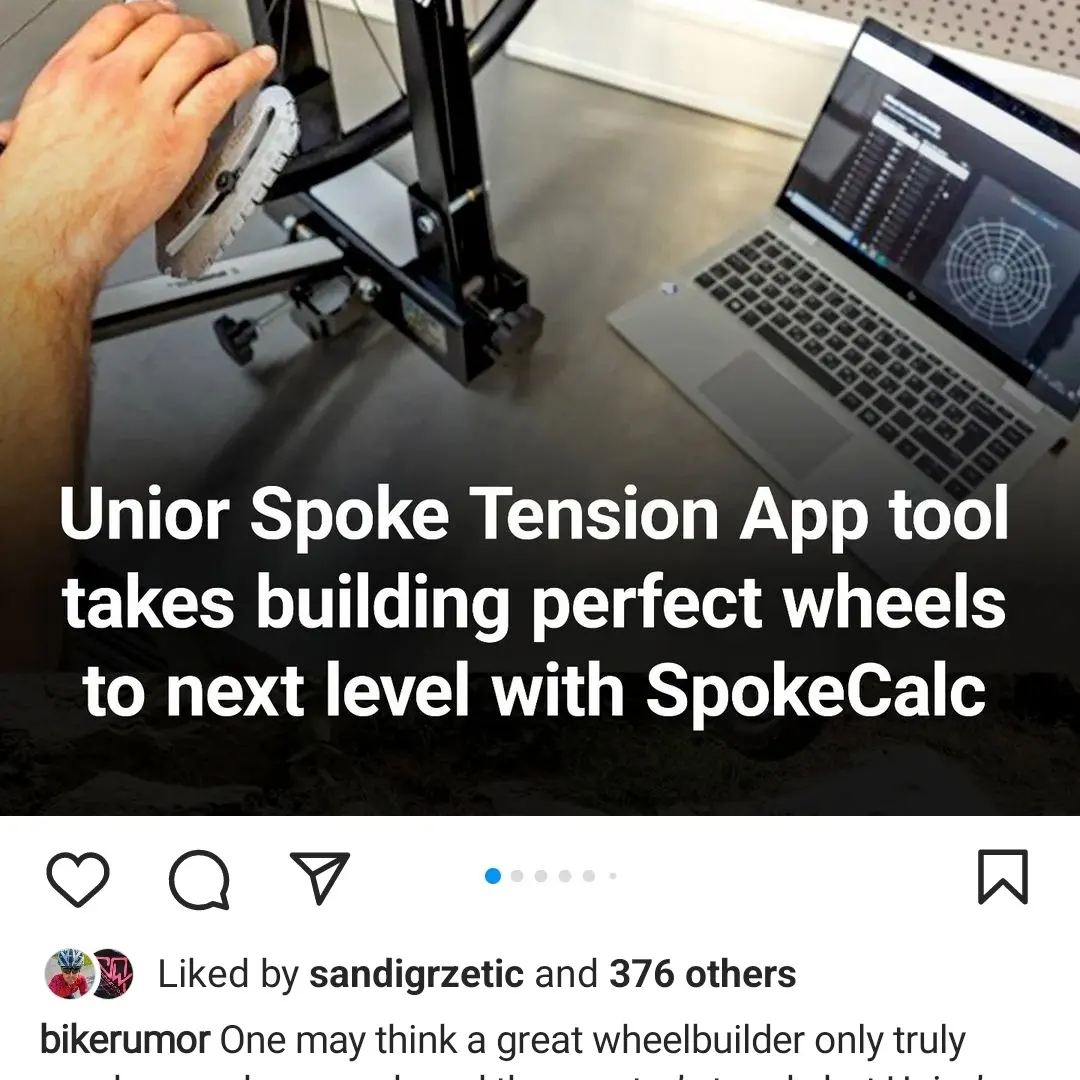
Creating a universally applicable Tension App that could be used with various spoke tension meter tools was a trigger for the next important recognition. At that time, a collaboration with the Slovenian tool company Unior led to adapting my tension app to better suit their 1752/2 model analogue tension meter. The release of it was also featured on Bikerumor! site.
Back then, App Spokecalc mainly revolved around file creation and saving. The spoke calculator was more refined and packed with advanced features while on the other hand tension app was still in need of improvements.
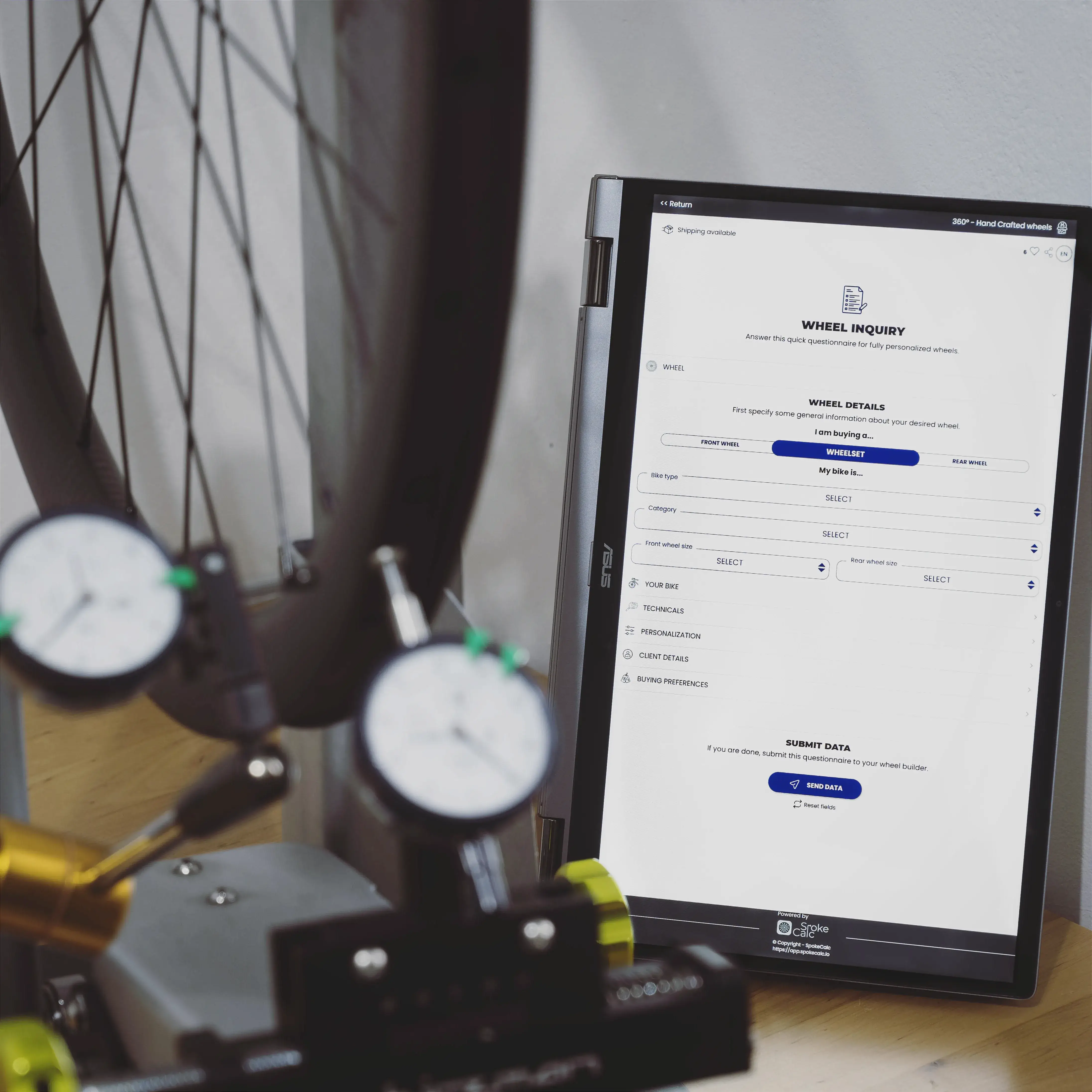
A major breakthrough occurred with the release of the My Wheels page, signaling a shift in mindset towards a more holistic view and streamlining the daily workflow of the wheel-building process. Total wheel-building tool as marketed now includes adding components, creating wheels, saving clients, marketplace module, tracking service history, and even generating QR codes for quick workshop-to-app transition.

There is still a lot of work at this end, but at the moment of writing, the App SpokeCalc features are just so broad that I cannot mention them all here, however for those interested, please take a look at a detailed Get Started manual which can also help a user to a quick jumpstart when inside the app itself.
What’s next for SpokeCalc
With the existence of both the free Spokecalc and the App Spokecalc, I now have two platforms to manage. The free Spokecalc primarily caters to newcomers and less demanding users, while the App Spokecalc targets highly specialized wheel-building shops.
Interestingly, over the years, I've actually grown accustomed to the fact that Spokecalc is a constant work-in-progress. The primary focus naturally lies on the paid App Spokecalc, where new features and updates are regularly released to enhance users' workflow. Updates with major impact are later gradually integrated into the free spokecalc.io platform.

When thinking about this project's future, I often revisit an interesting sketch I made last year, envisioning the evolution of SpokeCalc. New acquaintances, for whom I am immensely grateful, have sparked my imagination, pushing me to consider a broader vision for the app's potential impact. The simplistic drawing encapsulates it all: connecting wheel builders with manufacturers and customers to form a closed loop of interdependency. I know it sounds dreamy, but it's one wildly motivating goal. So, why stop here, huh?
Let's stay in touch
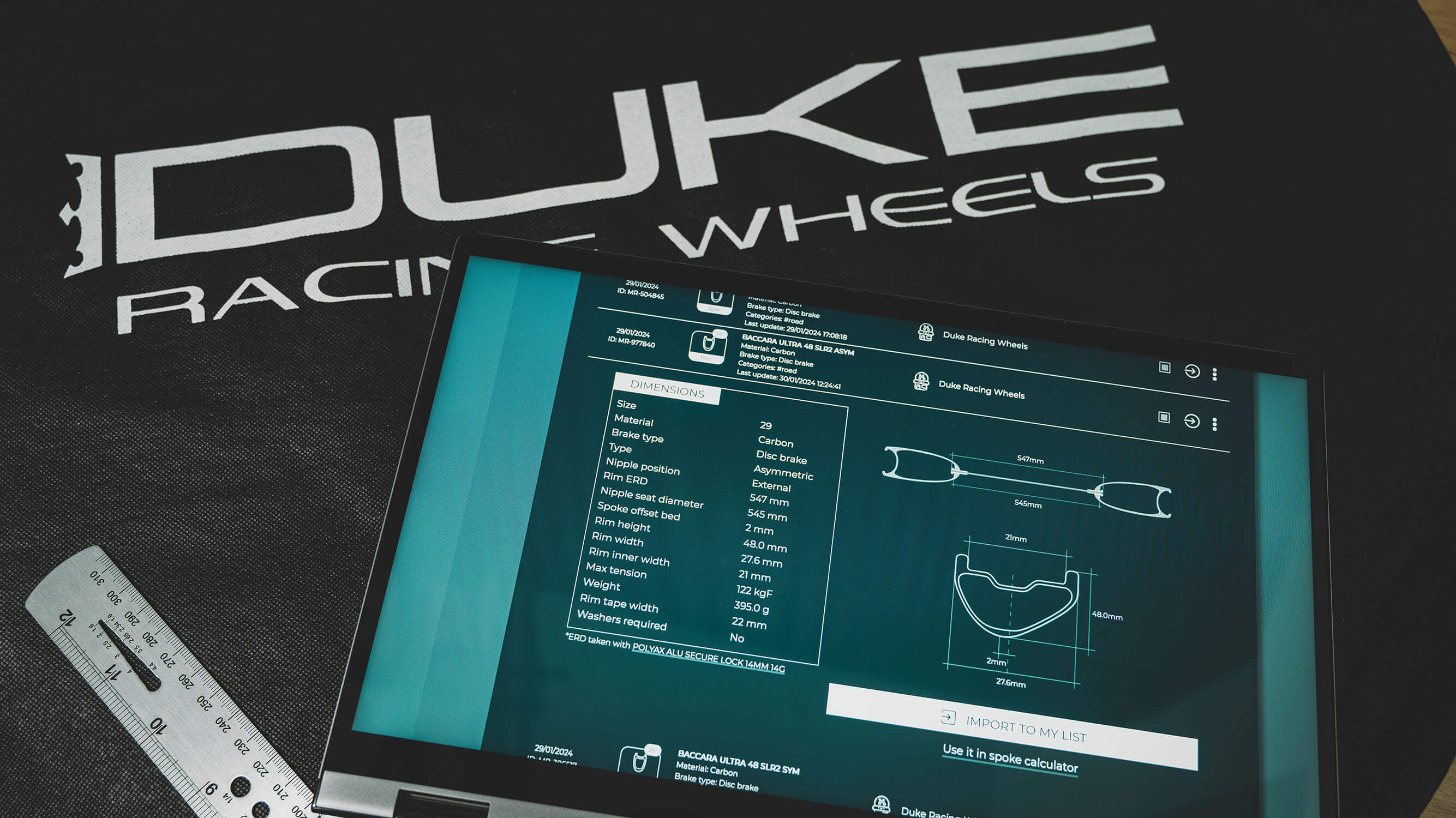
Five years later, and with more than seven thousand people monthly visiting the spokecalc.io domain, the website surely found its audience. Furthermore, as of last summer, there is a spoke calculations counter deployed, and looking at stats, there are around a hundred calculations made almost every day. If you want to see some testimonials, I suggest you visit this link. Other than that, changes inside the free SpokeCalc algorithm are actually quite rare and the below image shows the current state of the free spoke calculator.

As for me, I am much closer now to the bike industry than I have ever been. This project helped to trigger many new aquaintances for which I am very grateful and so goes also for the positive feedback from the community. Any ideas and remarks I am always happy to realize with the goal of making SpokeCalc even better.
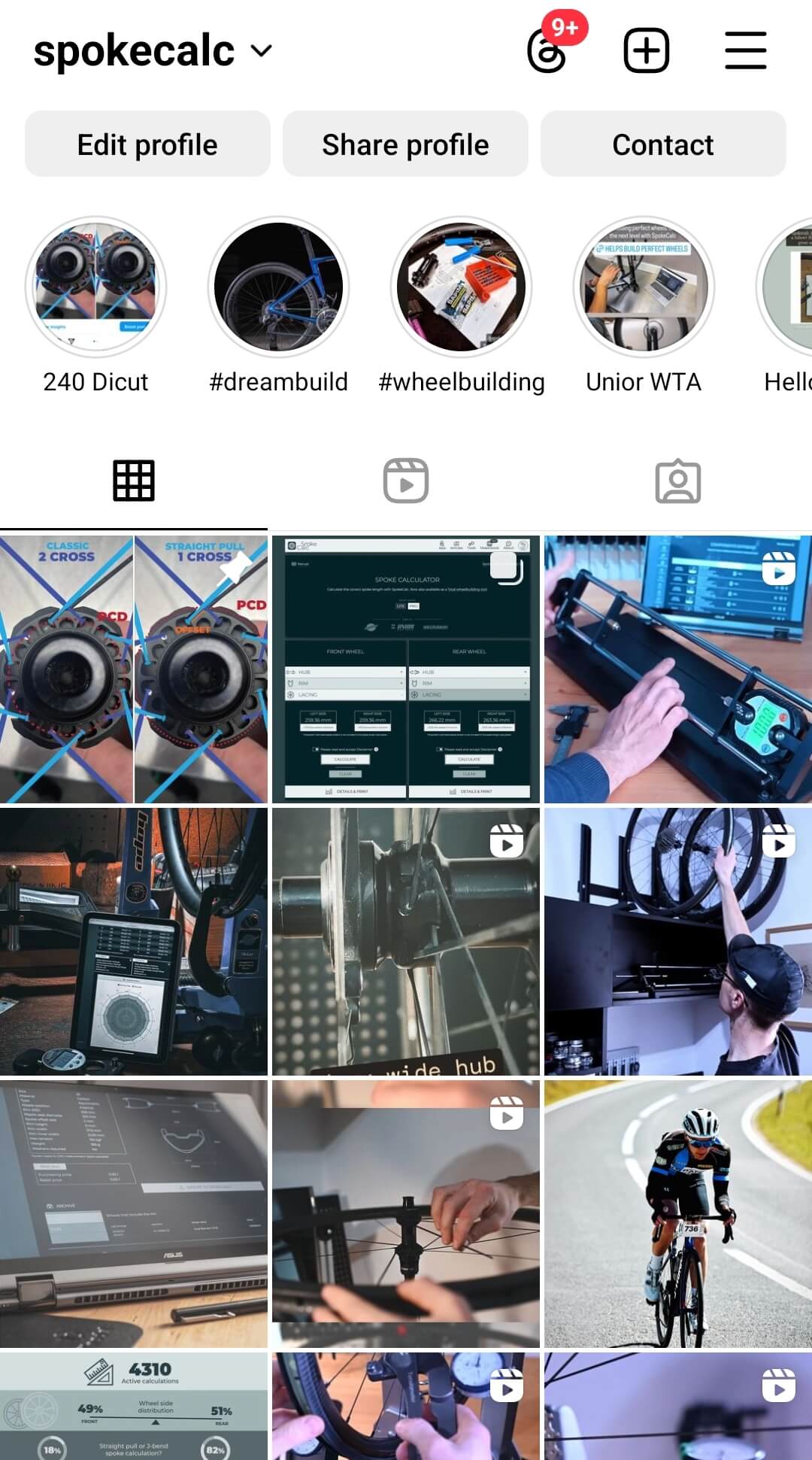
With social networks like Facebook or Instagram, we are just one message away from helping each other by sharing valuable insights and relevant wheel-building information. So, why miss new app updates, coming articles or wheel-building related content in general? Link to official Instagram profile.
Final thoughts
Looking back, a lot of things happened during this relatively short, 5 years term. Gathering only major milestones and memories, I hope you enjoyed the overview of SpokeCalc's evolution through time. Be sure to follow the Instagram page for regular updates and useful wheel building insights. Thanks for reading the article and like they say “There is plenty more of where it came from!”
Enjoy wheel building!
About author

Aljaž Trenta
Author and founder"As a cycling enthusiast, bike mechanic and self-taught web designer, combining several of my passions and skills to build SpokeCalc was a great fun for me."